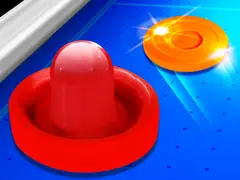
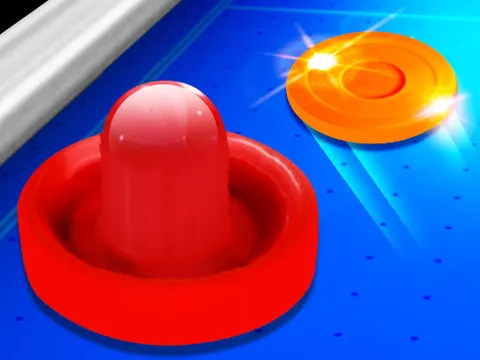
Realistic Air Hockey unblocked recreates the arcade table classic in 3D, right in your browser. You guard one goal, your opponent guards the other, and the puck flies back and forth faster than you expect. Load it on Classroom 7x whenever you want a quick reflex test that feels a lot like the real thing.
About Realistic Air Hockey
Air hockey works a lot like soccer squeezed onto a tabletop. Each side has a goal, and you use a mallet to strike the puck and push it between your opponent's posts while blocking any shots aimed at yours. There are no complicated rules to learn, which is a big reason the game has been a favorite in arcades and game rooms for decades. This version keeps that same simple setup that anyone can understand within a few seconds of watching.
The 3D presentation aims to make the table feel solid and lifelike, so the puck glides and rebounds much like it would at an arcade. Rallies move quickly, and a single lapse on defense can let a goal slip through. Realistic Air Hockey is a good way to sharpen your reaction time and your eye for angles, since some of the best shots come off the side rails rather than straight down the middle of the table.
How to Play Realistic Air Hockey
- Move your mallet with the mouse, or drag with your finger on mobile, to cover your side of the table.
- Strike the puck toward the opposite end, aiming for the gap between your opponent's goal posts.
- Bounce shots off the side walls to create angles that are much harder to block.
- Slide back in front of your own goal after each shot to stop quick counterattacks.
- Keep attacking and defending until you have scored more goals than your opponent.
Realistic Air Hockey Controls
| Input | Action |
|---|---|
| Mouse | Move your mallet and hit the puck |
| Touch and drag | Move the mallet on mobile devices |
Tips and Tricks
- Stay between the puck and your goal whenever possible. Good positioning stops far more shots than desperate last-second lunges.
- Use the side walls for bank shots. An angled rebound is much harder for an opponent to read than a shot fired straight down the middle.
- Do not chase the puck all over the table. Pulling back toward your goal after each hit keeps you from leaving it wide open.
- Strike the puck as it comes toward you instead of chasing it as it moves away. Meeting it head-on gives you more power and better control.
Game Info
| Game | Realistic Air Hockey |
|---|---|
| Genre | Sports, 2 Player |
| Players | Single player |
| Works on | Chromebook, PC and Mac (keyboard recommended) |
| Price | Free, no sign-up |
Realistic Air Hockey FAQ
How do you score in Realistic Air Hockey?
Push the puck past your opponent's mallet and into the slot between their goal posts. Each time it goes in you earn a point, so mix straight shots with wall rebounds to keep the other side guessing.
How do you control the mallet?
Move your mouse to slide the mallet around your side of the table, or drag with your finger on a phone or tablet. Smooth, controlled movements work better than wild, jerky swipes, especially when you are defending your goal.
Why are bank shots so effective in air hockey?
Bouncing the puck off a side wall changes its angle partway through the shot. That makes its path harder to predict and can sneak it around a defender who is lined up for a straight shot down the middle.
Can I play Realistic Air Hockey on a school Chromebook?
Yes. Realistic Air Hockey runs in the Chrome browser on Chromebooks, Windows PCs and Macs with nothing to install. It is designed for a keyboard and mouse, so it plays best on a computer rather than a phone.
Is Realistic Air Hockey free to play?
Yes, Realistic Air Hockey is completely free on Classroom 7x. There is no download, no account and no sign-up. Press Play and the game loads right on this page.