

Top Card & Board Games to Play First
- Chess vs Computer: Play White against a chess engine with adjustable depth. Hints, undo and a live advantage bar make it a good way to learn from mistakes.
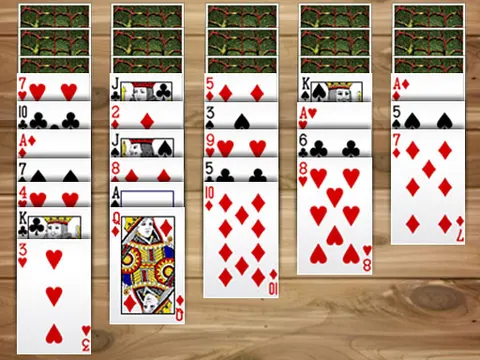
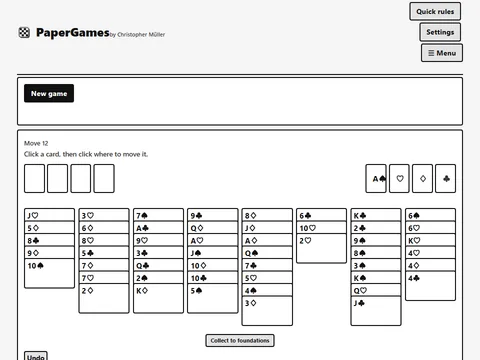
- Klondike Solitaire: The classic draw-one solitaire. Click or tap to move cards, use Undo to take back moves and deal a new game whenever you like.
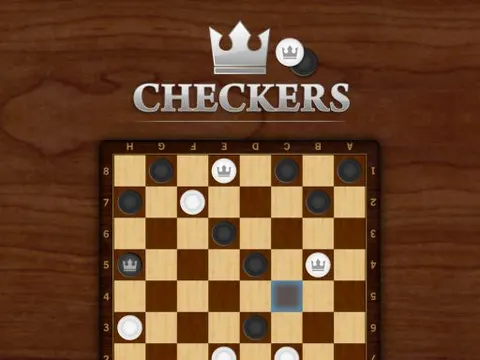
- Checkers: Forced jumps and kings on an 8x8 board. Face the computer at one of three levels, or play against a friend sitting beside you.
- Four in a Row: Drop discs into seven columns and line up four before your opponent does. Three computer levels let you start easy and work your way up.
- Spider Solitaire: Two decks and ten columns, with one, two or four suits. Start with one suit to learn the moves, then add more when you feel ready.
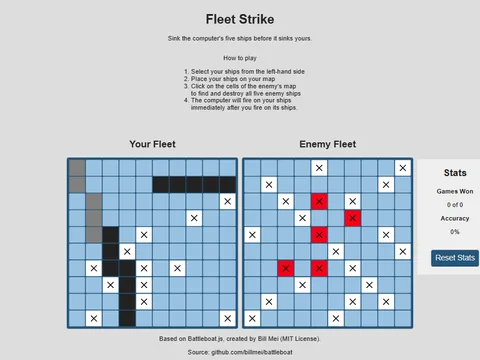
- Fleet Strike: Place a fleet of five ships in secret, then swap shots with a computer that targets the most probable hiding spots.
Solitaire for When You Are Playing Alone
Three solitaire games cover different moods. Klondike Solitaire is the familiar draw-one version: build each suit from Ace to King while working through seven columns. Spider Solitaire uses two decks and ten columns, and you choose one, two or four suits. One suit is a good place to learn, while four suits is a real test. FreeCell Solitaire shows every card face up from the start, so it is more about planning than luck. Use the four free cells to park cards, and think a few moves ahead before you fill them all.
Strategy Board Games Against the Computer
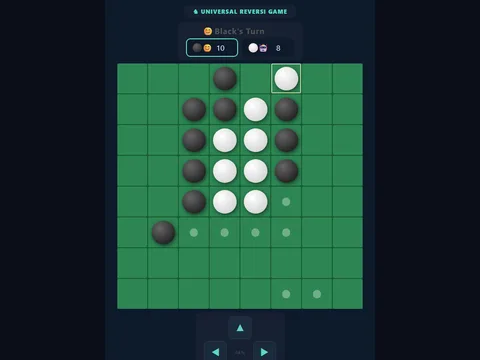
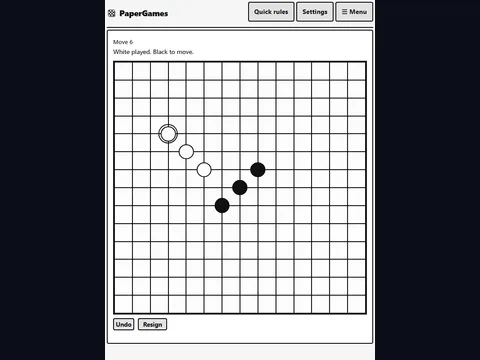
If you want a real thinking game, Chess vs Computer lets you play the White pieces against an engine, and you can set how deeply it searches. Turn on move hints and watch the advantage bar to see how each move shifts the game. Checkers follows classic rules with forced jumps and kings, against a computer at three levels. Universal Reversi changes one key rule of disc flipping. Its board has no edges, so a line that runs off one side continues on the opposite side. Gomoku is simpler to learn, since you only need five stones in an unbroken line on a 15x15 grid.
Dice, Tiles and Family Games
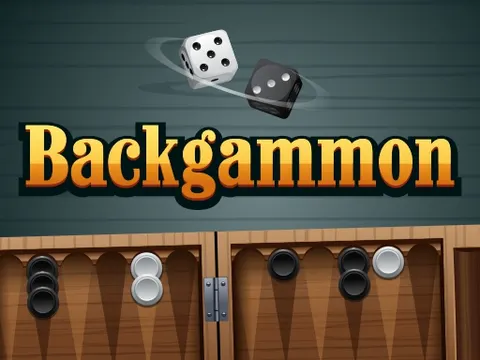
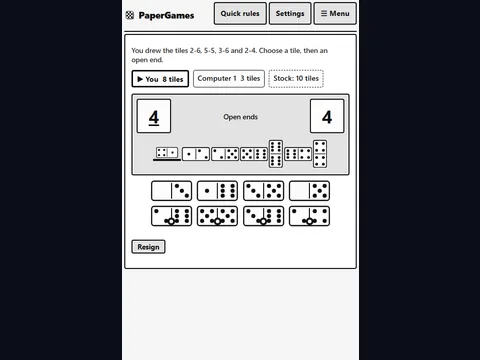
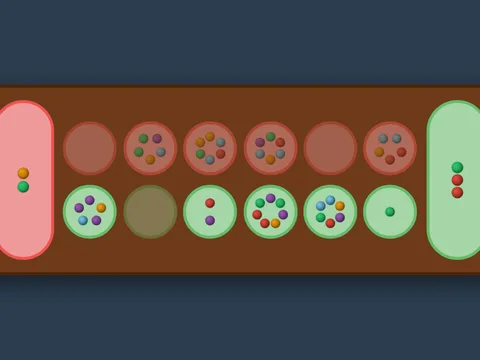
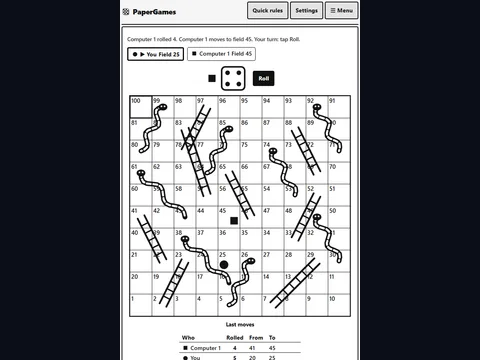
Not every board game is about deep planning. Snakes and Ladders runs on luck, with two boards and up to four players, and any of them can be controlled by the computer. In Dominoes, each tile you lay must show the same number of pips as one of the open ends, and as many as four people can share one device. Backgammon mixes dice rolls with smart choices as you race 15 checkers home and bear them off. Mancala uses Kalah rules, where a well-counted move can earn a bonus turn or win seeds from the other player, so count before you pick a bowl.
Card and Board Games on Any Screen
On PC & Chromebook
On a Chromebook or laptop, every game here works with a mouse or touchpad: click a card or piece, then click where it should go. Several also support the keyboard. In the solitaire games, you can Tab to a card and press Enter or Space to pick it up. Checkers, Four in a Row and Gomoku let you move around the board with the arrow keys and press Enter to play. In Chess vs Computer, you drag pieces to their new square and can hover to preview legal moves.
On Phones & Tablets
Most card and board games here work well on a phone or tablet, since they only need taps. Solitaire, Checkers, Backgammon, Mancala and Dominoes all play by tapping a piece and then its target. Chess vs Computer and Fleet Strike only partly work on phones, because the boards can feel cramped on a small screen, so a tablet is the better choice for them. For two-player games, a tablet on the desk between you is easy to share.
Card & Board Games FAQ
Can I play these board games with a friend?
Yes. Checkers, Four in a Row, Universal Reversi, Gomoku, Backgammon, Mancala, Dominoes and Snakes and Ladders all let two people share one screen and take turns. Dominoes and Snakes and Ladders go up to four players. See the 2 player games page for more.
Which game is best for learning chess?
Chess vs Computer works well as a teacher. Set the engine to a low search depth, turn on move hints and hover over a piece to preview its legal moves. If a move goes badly, Undo takes back your move and the computer's reply so you can try something else.
Do I need to download anything?
No. The games load from Classroom 7x's own servers, not a third-party game site, so there is nothing to install and no sign-up. Open the page, pick a game and start playing in your browser on a Chromebook, laptop, tablet or phone.
Is there a naval guessing game?
Yes. Fleet Strike has you place five ships out of sight, then fire at the computer's board one square per shot. The computer picks targets based on where a ship would probably sit, so think about where you put your fleet.