



Top Puzzle Games to Play First
- 2048: Merge matching numbers on a 4x4 grid with arrow keys or swipes. A round can last two minutes or twenty, depending on how far you push it.
- Hextris: Rotate the center hexagon so falling blocks land in matching groups of three or more, and keep any side from filling up. Runs are endless, so it is all about your score.
- Sudoku Flow: A clean 9x9 sudoku with five difficulty levels, pencil notes and step-by-step hints, so beginners and experienced solvers both have something to work on.
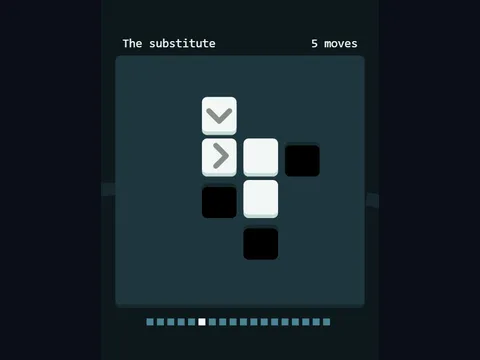
- Black Hole Square: Tap arrow tiles to push rows of squares into black holes. Each board has a tight move limit, so every tap has to count.
- Color Pour Sort: Pour colored liquid between tubes until each one holds a single color. It is calm, level-based and simple to play by tapping or clicking.
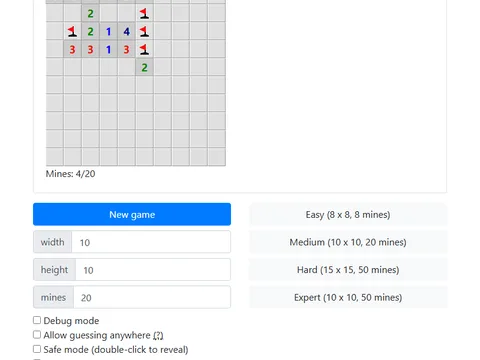
- Logic Mines: A mine-clearing grid where the mines move against your guesses. Luck will not help here, so every square you open has to be worked out first.
Number Puzzles
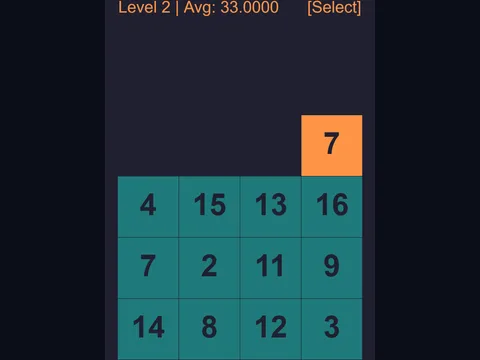
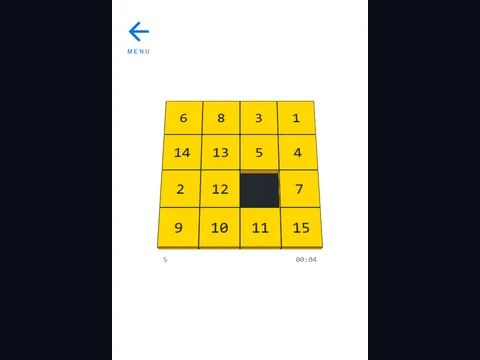
If you like numbers, start with 2048. You slide every tile at once on a 4x4 grid, and matching pairs merge into bigger numbers, with the 2048 tile as your target. Sudoku Flow is a 9x9 grid with five difficulty levels, pencil notes for keeping track of options and hints that walk you through one step at a time. Fifteen Slide gives you fifteen numbered blocks and one empty gap, and your job is to line them up from 1 to 15. For a twist, Factors Game has you walk a number through a grid, dividing by factors and adding the rest until it reaches exactly 1.
Logic and Color Puzzles
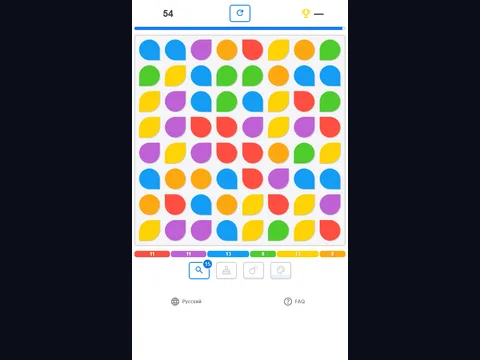
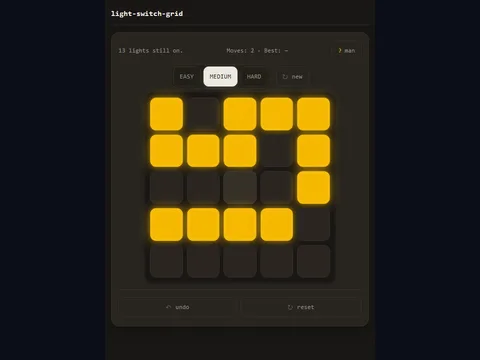
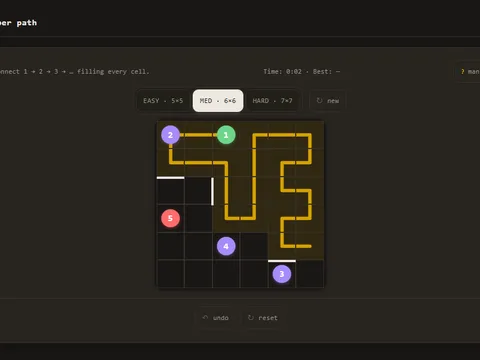
Some puzzles are pure logic. In Light Switch Grid, every tap flips a light and its four neighbors, so turning the whole 5x5 board dark takes planning. Logic Mines looks like a regular mine-clearing grid, but the mines move to punish any guess, so only careful deduction gets you through. In Number Path, a single line must pass through each square of the board and touch the numbered dots in order. If you prefer colors, Color Pour Sort has you pour liquid between tubes until each one holds a single color, and Color Tile Match asks you to swap tiles into lines of three before the timer bar runs out.
Tips for Getting Unstuck
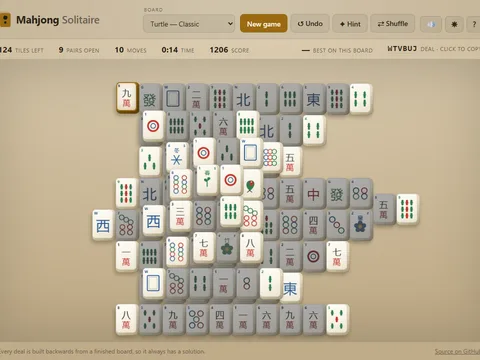
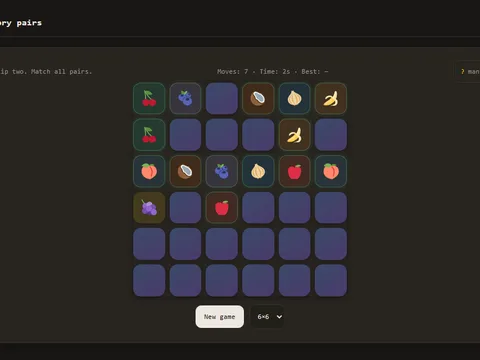
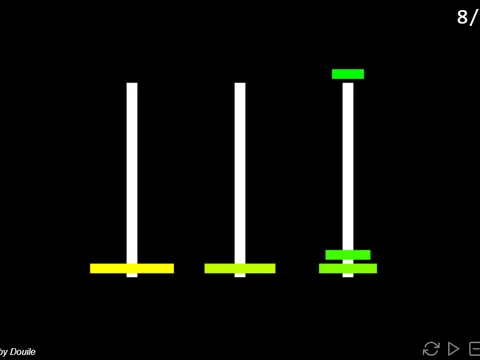
When a puzzle feels impossible, slow down and work backward from the goal. In Tower of Hanoi, think about where the biggest ring has to go first, and the smaller moves start to make sense. Mahjong Solitaire rewards looking at the whole stack before you match, since taking the wrong pair can bury a tile you need later. It also has a hint button and a shuffle for when you run out of ideas. In Memory Pairs, start with the 4x4 board and name each picture in your head as you flip it. Every game here is short, so trying again costs very little.
Puzzle Games on Chromebooks, Phones and Tablets
On PC & Chromebook
On a Chromebook or laptop, most puzzles here work with a few clicks or the arrow keys. 2048 and Fifteen Slide move tiles with the arrow keys, and Sudoku Flow lets you type numbers 1 to 9, press N for pencil notes and H for a hint. To turn the hexagon in Hextris, press the Left or Right arrow key, or A or D. Logic Mines uses a right-click to place a flag, which on a Chromebook touchpad usually means a two-finger tap. Click inside the game first so your keys reach it.
On Phones & Tablets
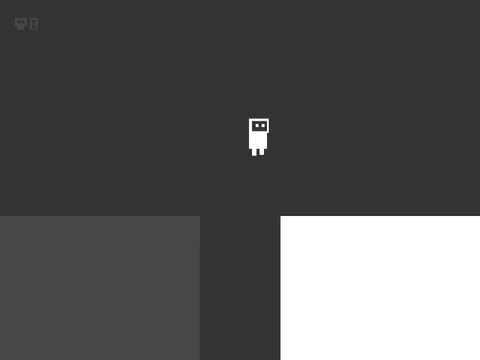
Nearly all of the puzzle games here play well on a phone or tablet. 2048 and Factors Game use swipes, and in Hextris a tap on either half of the screen rotates the hexagon that way. In Logic Mines, press and hold a square for half a second to flag it. Mahjong Solitaire only partly works on phones because its 144 tiles get small, so a tablet is easier. OnOff needs a keyboard and does not work on phones, so save it for a Chromebook.
Puzzle Games FAQ
Are these puzzle games free to play at school?
Yes, every puzzle game here is free. The games load from Classroom 7x's own servers rather than a third-party game site, so there is nothing to install and no account to make. Whether the site opens on your school network depends on how that network is set up.
Which puzzle games are good for beginners?
Memory Pairs on the 4x4 board, Color Pour Sort and 2048 are easy to learn in under a minute. Light Switch Grid has an Easy setting, and Sudoku Flow lets you pick from five difficulty levels and ask for a hint when you get stuck.
Can I undo a move if I make a mistake?
In many of them, yes. Sudoku Flow, Color Pour Sort, Light Switch Grid, Number Path and Mahjong Solitaire all have an undo option. Black Hole Square lets you swipe right to reset the board, and Tower of Hanoi has a restart button.
Is there a puzzle game with words?
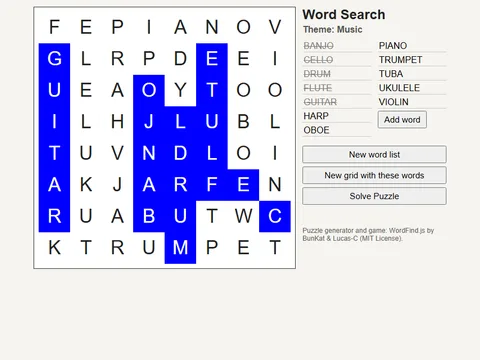
Yes. Word Search hides a dozen words in a grid of letters, and they can read in any of eight directions. You can switch to a new themed word list or type in your own words to build a fresh puzzle, which makes it handy for spelling practice.