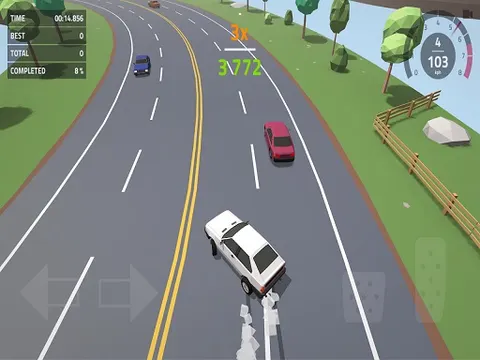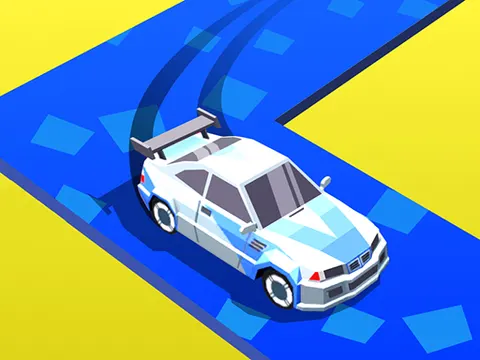
Few games squeeze as much tension out of a single button as Drift Boss unblocked. Your car speeds along a zigzag road, and every corner needs a perfectly timed drift. Get the timing wrong and you slide straight off the edge. Hop in on Classroom 7x, chase a bigger score with each run, and see how long you can stay on the road.
About Drift Boss
Everything in this game comes down to one input. By default your car heads toward the upper left of the screen, and holding the button swings it into a drift toward the upper right. Each bend in the road is a switch between those two directions, so success is all about timing and anticipation. Some stretches are long and forgiving, while others stack sharp corners close together and demand lightning reactions. The track never ends on its own, so every run is a battle against your last best score.
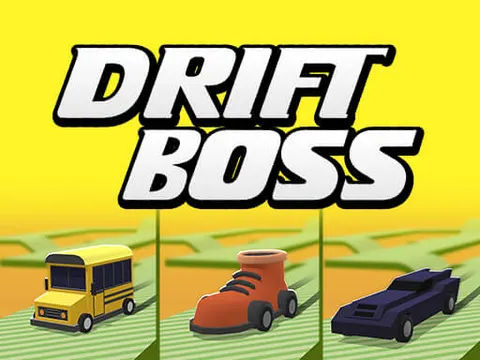
Drift Boss also gives you reasons to keep coming back beyond chasing a new record. Daily rewards are waiting when you return, and loot boxes hand out new car skins, so your ride does not have to look the same every session. The clean 3D visuals keep the screen uncluttered, which matters when you need to read the road a few corners ahead. It is the kind of game that takes seconds to learn and much longer to truly master.
How to Play Drift Boss
- Start a run and watch your car begin rolling toward the upper left corner of the track.
- Press and hold the mouse button to drift the car toward the upper right.
- Let go of the button to swing back to the left whenever the road bends that way.
- Keep switching directions at every corner so your car never slides off the edge.
- Open loot boxes between runs to unlock new car skins, and grab your daily rewards when you return.
Drift Boss Controls
| Input | Action |
|---|---|
| Hold left mouse button | Drift toward the upper right |
| Release mouse button | Swing back toward the upper left |
| Tap and hold (touch screens) | Drift on phones and tablets |
Tips and Tricks
- Start each drift a split second before the corner instead of right on it, because the car needs a moment to swing around.
- Look two or three turns ahead rather than at your bumper, so back-to-back corners never catch you by surprise.
- Stay calm on long straight sections. Extra nervous presses are one of the easiest ways to send your car over the edge.
- Come back each day to claim your daily rewards and keep growing your collection of car skins from loot boxes.
Game Info
| Game | Drift Boss |
|---|---|
| Developer | MarketJS |
| Genre | Racing, Skill |
| Players | Single player |
| Works on | Chromebook, PC and Mac (keyboard recommended) |
| Price | Free, no sign-up |
Drift Boss FAQ
How do you steer in Drift Boss?
Steering uses just one button. Hold the mouse button, or your finger on a touch screen, to drift toward the upper right, then let go to swing back toward the upper left. Every corner is about timing that switch.
How do you unlock new car skins?
New skins come from loot boxes. Keep playing runs and collect your daily rewards, then open boxes to add fresh car designs to your collection and give your ride a new look.
Does Drift Boss have a finish line?
No. The track is endless, so a run only stops when your car slides off the edge. The goal is to survive as long as possible and beat your previous best score rather than reach an ending.
Can I play Drift Boss on a school Chromebook?
Yes. Drift Boss runs in the Chrome browser on Chromebooks, Windows PCs and Macs with nothing to install. It is designed for a keyboard and mouse, so it plays best on a computer rather than a phone.
Is Drift Boss free to play?
Yes, Drift Boss is completely free on Classroom 7x. There is no download, no account and no sign-up. Press Play and the game loads right on this page.