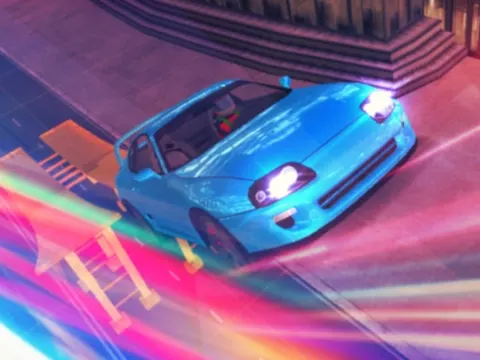
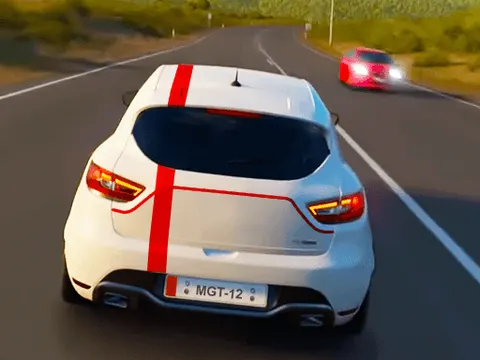
Highway Racer 3D unblocked is a straightforward driving game built around speed and quick reflexes. You cruise down a long highway and steer left or right to keep your car out of trouble. There is nothing to learn beyond two keys, which makes it an easy choice for a quick break on Classroom 7x.
About Highway Racer 3D
The idea is easy to grasp from the first second. Your car races along a multi-lane road, and your job is to guide it safely through whatever lies ahead. The game lists only the Left and Right arrow keys as controls, so steering is where all of your attention goes. That narrow focus is exactly what makes it tense, because as the road rushes toward you, every lane change has to happen at the right moment with no time to second-guess.
Highway Racer 3D uses a 3D view of the road, which helps you judge distances and spot openings between vehicles as they come into view. Sessions can be as short or as long as you like, making it a handy option for a quick break or a longer attempt at improving on your last drive. If you enjoy simple driving games where reading the road matters more than learning complicated controls, this one is easy to jump into right away.
How to Play Highway Racer 3D
- Start the game and get ready as your car begins moving down the highway.
- Press the Left Arrow key to steer your car toward the left side of the road.
- Press the Right Arrow key to move back toward the right when the path ahead is blocked.
- Keep your eyes well ahead of your car and choose an open gap early instead of reacting at the last second.
- Restart whenever you want and aim to drive farther and cleaner than your previous attempt.
Highway Racer 3D Controls
| Input | Action |
|---|---|
| Left Arrow | Steer left |
| Right Arrow | Steer right |
Tips and Tricks
- Look farther down the road than feels natural. Spotting an open lane early gives you time for a smooth move instead of a panicked swerve.
- Use short, controlled key presses. Holding a direction too long can carry your car past the lane you were aiming for.
- Avoid hugging the very edge of the road, since staying closer to the middle keeps escape routes open on both sides.
- When vehicles block neighboring lanes, commit to one gap quickly rather than drifting back and forth between options.
Game Info
| Game | Highway Racer 3D |
|---|---|
| Genre | Racing |
| Players | Single player |
| Works on | Chromebook, PC and Mac (keyboard recommended) |
| Price | Free, no sign-up |
Highway Racer 3D FAQ
What keys do you use in Highway Racer 3D?
Only the Left and Right arrow keys are listed as controls. You use them to steer your car across the lanes, so the whole challenge comes down to timing your moves as the road speeds toward you.
Is Highway Racer 3D hard to learn?
Not at all. With just two steering keys, you can start playing within seconds. The difficulty comes from reacting quickly at high speed, so it rewards practice and focus rather than memorizing controls.
What is the best way to avoid crashing?
Look well ahead, plan your lane changes early, and use short taps on the arrow keys instead of long holds. Staying near the middle of the road also leaves you room to move either way.
Can I play Highway Racer 3D on a school Chromebook?
Yes. Highway Racer 3D runs in the Chrome browser on Chromebooks, Windows PCs and Macs with nothing to install. It is designed for a keyboard and mouse, so it plays best on a computer rather than a phone.
Is Highway Racer 3D free to play?
Yes, Highway Racer 3D is completely free on Classroom 7x. There is no download, no account and no sign-up. Press Play and the game loads right on this page.