You do not need two computers, two controllers or an online account to play with a friend. Plenty of browser games let two people share one keyboard, with each player using their own set of keys. It is the easiest way to turn a free period or a break into a real head-to-head match.
This guide explains how sharing a keyboard works, lists 10 of the best 2 player games on Classroom 7x with the exact controls for each side, and finishes with tips for keeping matches fair.
How 2 Player Games on One Keyboard Work
In a shared keyboard game, the keyboard is split in half. Player 1 usually takes the left side, often the WASD keys or a single key like W. Player 2 takes the right side, usually the arrow keys or letters like I, O, K and L.
Because both players press keys at the same time, these games are designed with small control sets. Many use just one or two buttons per player, which makes them easy to learn and very fair. Some sports games add a few action keys for passing, shooting or blocking.
- Left side (Player 1): W, A, S, D, plus nearby keys like E, F, X, Z or V.
- Right side (Player 2): arrow keys, plus nearby keys like I, O, J, K or L.
- One-button games: each player gets a single key, such as W and the Up Arrow.
Sit side by side so each player has their own half of the keyboard and nobody has to reach across.
Best One-Button 2 Player Games
These are the easiest games to pick up. Each player uses one key, so anyone can jump in within seconds. The wacky physics mean even a beginner can win a round.
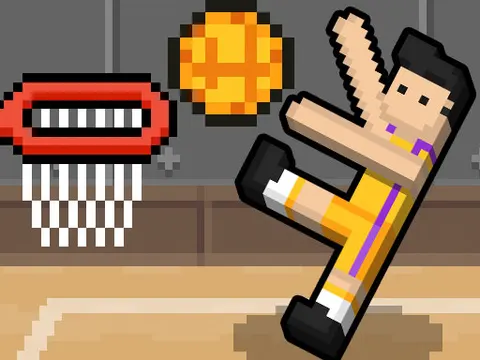
1. Basket Random
Basket Random is chaotic, floppy basketball. Player 1 presses W to jump and shoot, and Player 2 presses the Up Arrow. Courts and players change between points, so no two rounds feel the same.
2. Soccer Random
Soccer Random uses the same simple idea for soccer. Player 1 presses W to jump toward the ball and Player 2 presses the Up Arrow. Timing your jump is everything.
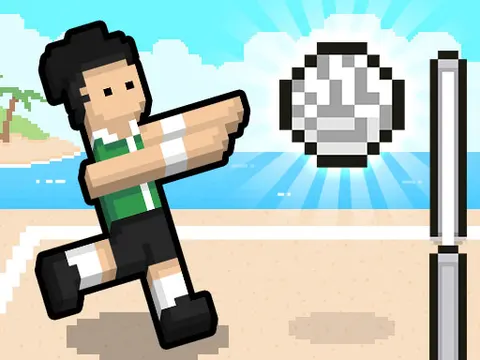
3. Volley Random
Volley Random brings the formula to volleyball. Player 1 jumps with W and Player 2 jumps with the Up Arrow. It is a great pick for players who like quick back-and-forth rallies.
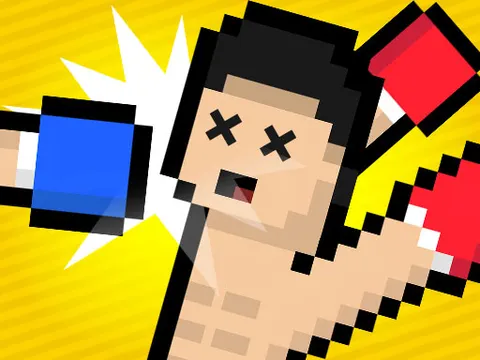
4. Boxing Random
Boxing Random turns the series into a goofy boxing match. Player 1 uses W to move and punch, and Player 2 uses the Up Arrow. Expect a lot of laughter along with the knockouts.
Best 2 Player Sports Games With Full Controls
If you want more control than one button, these sports games give each player movement keys plus action keys.
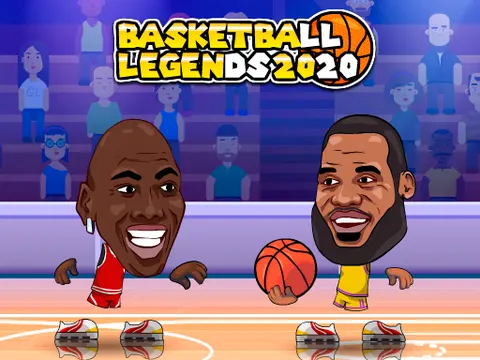
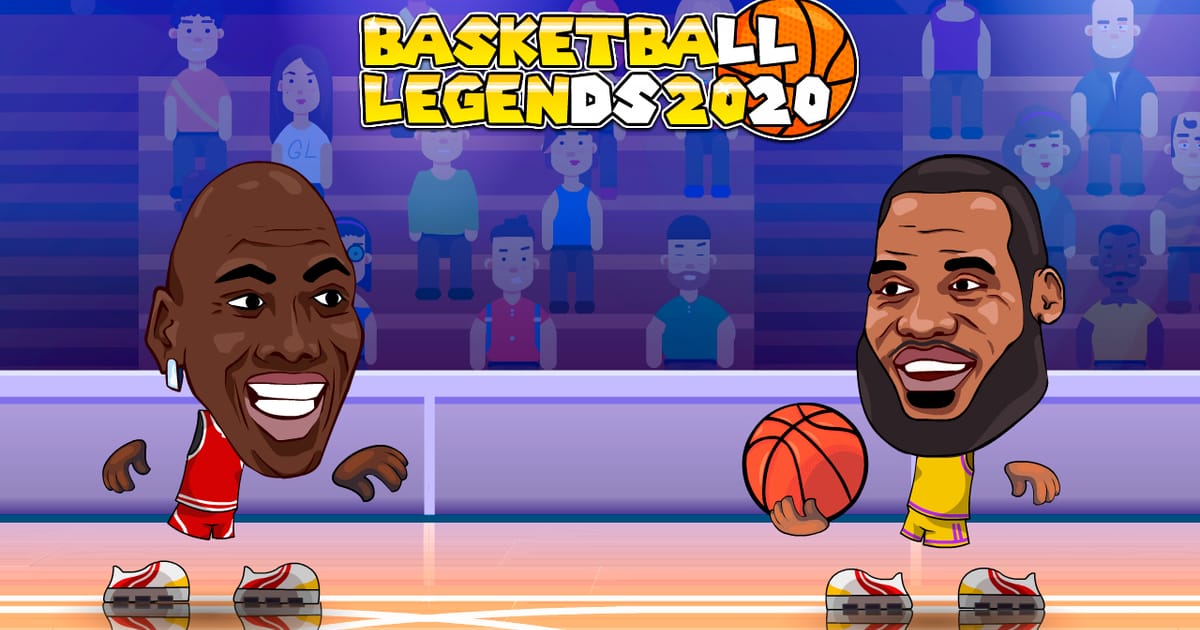
5. Basketball Legends 2020
Basketball Legends 2020 gives you real basketball moves. Controls are:
- Player 1: WASD to move and jump, X, Z and V to slap, throw and dunk.
- Player 2: Arrow keys to move and jump, K and L to slap, throw and dunk.
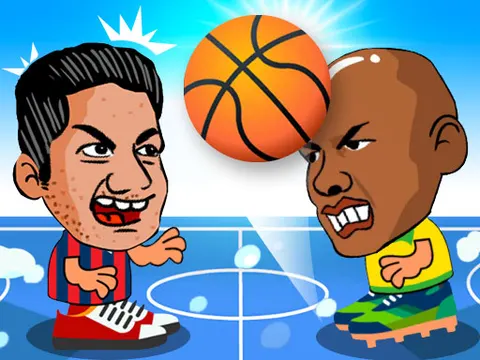
6. 2 Player Head Basketball
2 Player Head Basketball is simpler but just as competitive. Player 1 moves and jumps with W, A, S, D, and Player 2 uses the arrow keys.
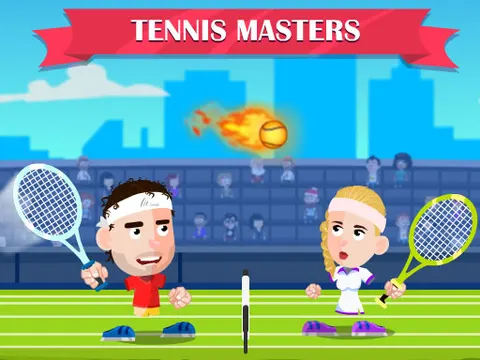
7. Tennis Masters
Tennis Masters is a fast tennis duel. Notice that Player 1 is on the arrow keys here:
- Player 1: Arrow keys to move, X and Z to hit and smash.
- Player 2: WASD to move, L and K to hit and smash.
Before a match, take 30 seconds to agree on who is Player 1. Some games put Player 1 on the arrow keys.
Best 2 Player Action and Co-op Games
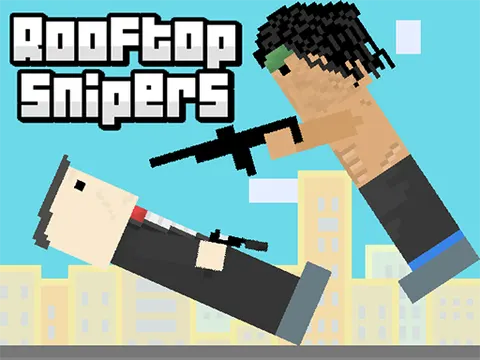
8. Rooftop Snipers
Rooftop Snipers is a quick duel where the goal is to knock your rival off the roof. Player 1 jumps with W and holds E to aim, releasing to shoot. Player 2 jumps with I and holds O to aim, releasing to shoot.
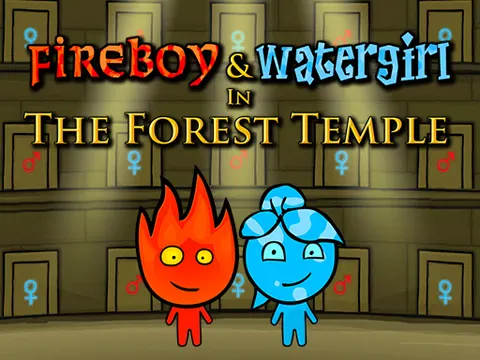
9. Fireboy and Watergirl: Forest Temple
Fireboy and Watergirl: Forest Temple is the best co-op pick. Fireboy moves and jumps with the arrow keys and Watergirl uses WASD. You only win if you both reach the exits, so communication matters more than speed.
10. Steal Brainrot Duel
Steal Brainrot Duel has the most keys on this list, so it is best once you know the basics:
- Move: WASD (Player 1) or arrow keys (Player 2).
- Jump: Space (Player 1) or L (Player 2).
- Buy or steal: E (Player 1) or O (Player 2).
- Hit: F or left click (Player 1) or K (Player 2).
- Sprint: Left Shift (Player 1) or J (Player 2).
More 2 Player Games Worth Trying
Once you have played the top 10, there is plenty more to explore. Here are a few other picks from the Classroom 7x library:
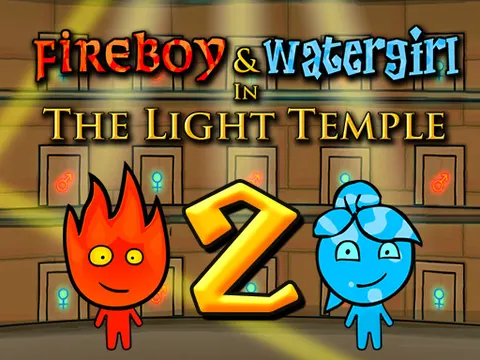
- Fireboy and Watergirl 2: Light Temple continues the co-op series with new puzzles.
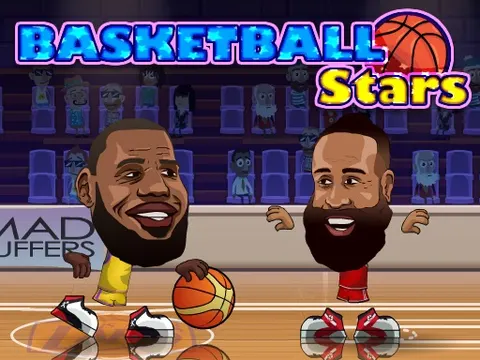
- Basketball Stars is another basketball game in our 2 player collection.
- Checkers and Ultimate Connect 4 are slower, turn-based board games for thinking players.
- Tic Tac Toe is the quickest match you can play with a friend.
- Steal Brainrot Arena is a good next step after the Duel version.
Turn-based board games are a nice change of pace because players take turns instead of sharing the keyboard at the same moment. Browse them all in our 2 player games category, or check the card and board games section.
Tips for Fair and Fun Matches
Sharing one keyboard can lead to a few arguments. These simple rules help keep things friendly:
- Agree on sides first. Decide who is Player 1 and Player 2 before the game starts.
- Swap sides each set. Some players are faster on the arrow keys, so switch after every few rounds.
- Play a best-of series. One round can be luck, especially in physics games. A best of five is fairer.
- Keep hands on your own keys. Bumping the other player's keys is easy, so leave a little space.
- Pick games at the right level. Start with one-button games if one player is new.
Click inside the game window once before you start so it captures your key presses.
Some keyboards cannot register many keys pressed at once, which can make games with lots of controls feel unresponsive. If that happens, try a one-button game, which avoids the problem entirely.
Start Your Next Match
Two players, one keyboard and a browser is all you need. Start with a one-button game like Basket Random to warm up, move on to a full sports game, and finish with a co-op puzzle when you want to work together instead of compete.
Every game here is free to play in your browser on Classroom 7x. Head back to the Classroom 7x unblocked games homepage to find more titles and save your favorites for next time.
Frequently Asked Questions
Can two people really play on one keyboard?
Yes. Many browser games split the keyboard so Player 1 uses keys like WASD or W and Player 2 uses the arrow keys or letters like I, O, K and L. Both players press keys at the same time on one computer.
What is the easiest 2 player game for beginners?
One-button games like Basket Random, Soccer Random and Volley Random are the easiest. Each player only uses one key, W or the Up Arrow, so anyone can start playing within seconds.
Is there a co-op 2 player game on Classroom 7x?
Yes. The Fireboy and Watergirl series is built for teamwork. One player controls Fireboy with the arrow keys and the other controls Watergirl with WASD, and both must reach the exit to finish a level.
Why do some keys stop working when we both press at once?
Some keyboards cannot register many keys held down at the same time. If inputs get dropped, try a game with fewer controls per player, such as a one-button game, and make sure the game window is focused.