If you have searched for Classroom 6x, you have probably noticed something confusing: there are a lot of sites with Classroom in the name. Different numbers, different letters and different designs, all offering browser games for students.
This guide will not tell you that one site is bad and another is perfect. Instead, it gives you a simple checklist for judging any unblocked games site, then explains how Classroom 7x approaches each point, so you can decide for yourself.
Why There Are So Many Classroom Game Sites
Names like Classroom 6x, Classroom 7x and many similar variations are used by lots of separate websites. In most cases they are run by different people, with different game libraries and different goals. A similar name does not mean the sites are connected.
That is why it makes more sense to judge a site by what it actually offers rather than by its name. The questions below work for any games site you find, including ours.
Classroom 7x is its own independent site. We do not speak for any other Classroom named site.
1. Curation: Quality Over Quantity
A giant list of games sounds great, but it is only useful if the games are actually good. Curation means someone chose each game on purpose and organized the library so you can find what you want.
What to look for
- Clear categories, such as racing, puzzle or 2 player.
- Well-known games with proven replay value.
- No endless pages of near-identical copies.
Our approach
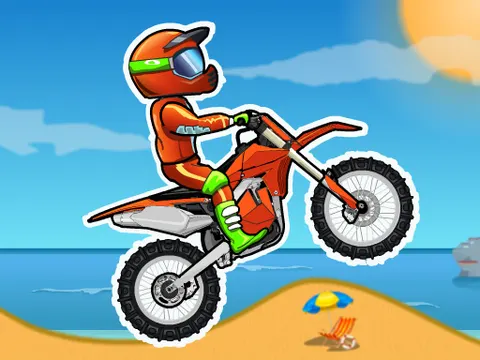
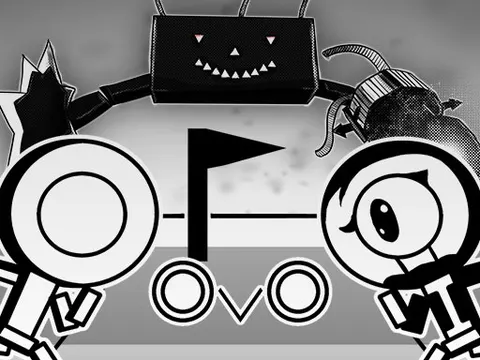
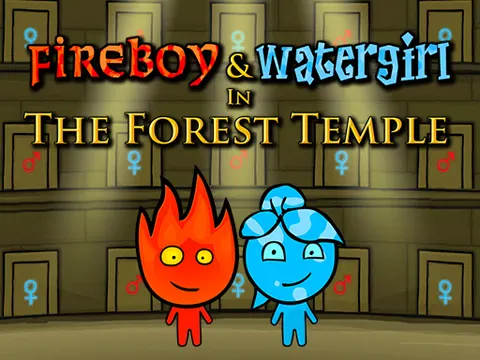
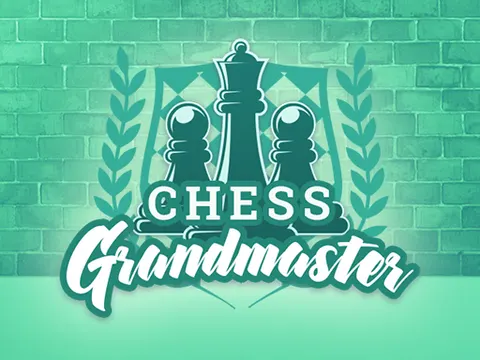
We keep a focused library sorted into categories like racing, puzzle and 2 player games. You will find fan favorites such as Moto X3M, OvO and Fireboy and Watergirl: Forest Temple, along with classics like Atari Pong and Chess Grandmaster.
2. Games That Actually Work
Nothing is more frustrating than clicking a game and getting a blank screen. Broken links and outdated games are common on sites that are not maintained.
What to look for
- Games that load and start without errors.
- Signs the site is updated over time.
- Lightweight options that still work on slower devices.
Our approach
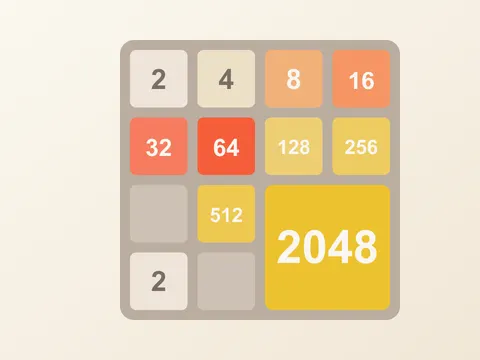
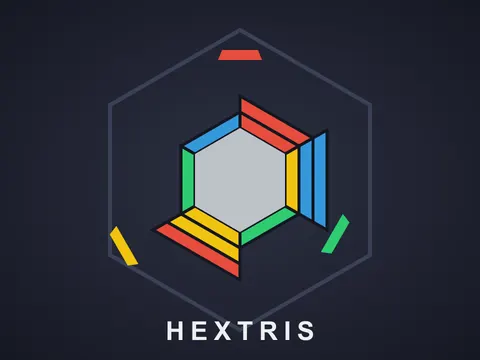
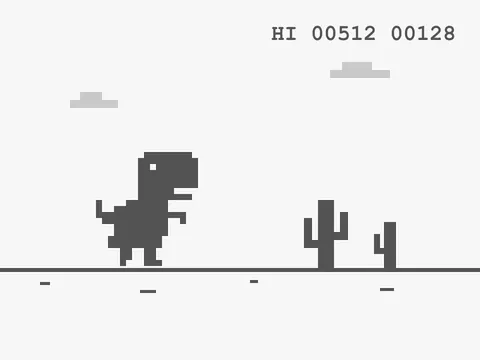
We check games and update the library over time. Some titles, like 2048, Hextris and the Dino Game, are self-hosted, which means they are served from our own site. Others come from game partners. If a game ever gives you trouble, refreshing the page or trying another title usually helps.
3. Helpful Guides and Game Info
A good games site does more than embed a game. It tells you how to play, which keys to press and how to get better.
What to look for
- Controls listed clearly for every game.
- Tips and short how-to-play sections.
- Information on whether a game is 1 player or 2 player.
Our approach
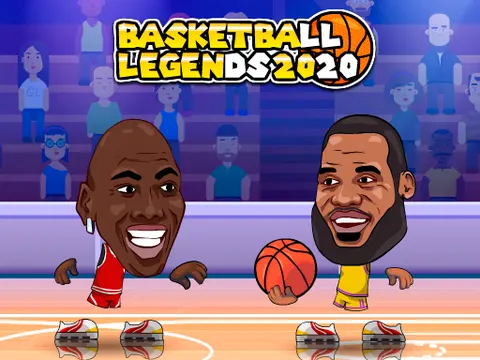
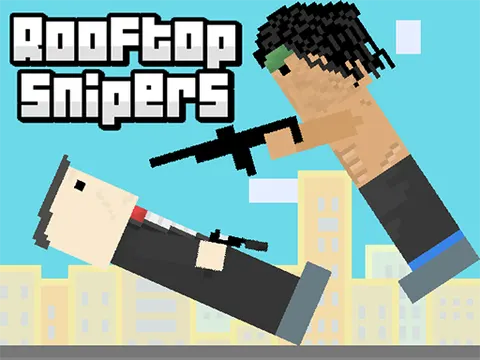
Each game page includes a summary, controls, tips and player count. For example, the Basketball Legends 2020 page lists the keys for both players, and the Rooftop Snipers page explains how to aim and shoot. We also publish longer guides like this one.
4. Speed and Device Support
Many students play on Chromebooks or older laptops. A site packed with heavy scripts and pop-ups can feel slow before a game even starts.
What to look for
- Pages that load quickly.
- Games that work on Chromebooks and in modern browsers.
- Touch-friendly options for tablets and phones.
Our approach
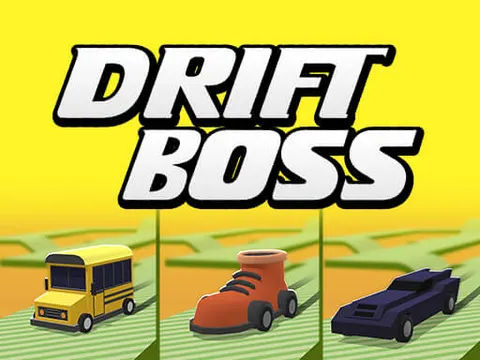
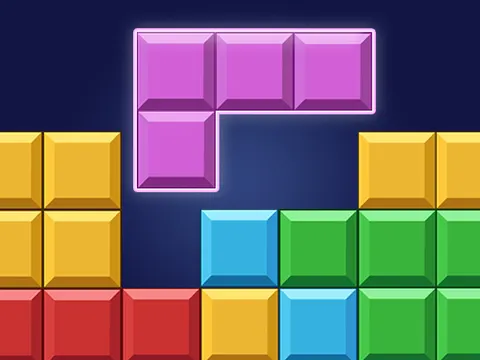
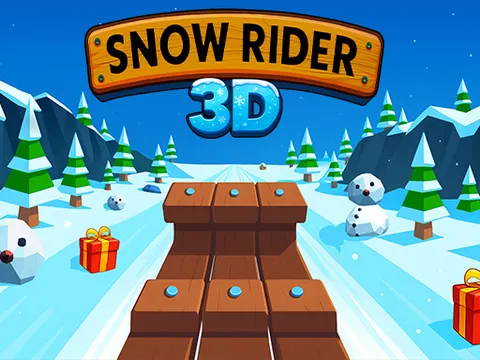
We aim to keep pages light so you get to the game fast. The library mixes simple 2D games that run well on modest hardware, such as Drift Boss and Block Blast, with 3D games like Snow Rider 3D for devices that can handle more. Many games also support touch controls.
5. Privacy, Ads and Favorites
Free games sites need some way to stay running, and that often means ads. What matters is whether the site is honest about it and respectful of your time and data.
What to look for
- No requirement to create an account just to play.
- A clear privacy policy.
- Honest information about ads instead of promises that sound too good to be true.
- Easy ways to save the games you like.
Our approach
You can play without signing up. Some partner games may show a short ad before they start, and we would rather tell you that up front. You can also save games to your favorites, so titles like Paper.io 2, Tiny Fishing or Basket Random are always one click away.
Be cautious of any site that asks for personal details or a download just to play a browser game.
Common Questions to Ask Before You Play
Beyond the big checklist, a few quick questions can tell you a lot about any games site in just a minute or two of browsing.
Can you tell what each game is before clicking?
Good sites show a title, an image and a short description so you know what you are getting. If every tile looks the same and nothing explains the game, you may waste time clicking through options you do not enjoy.
Is there something for every mood?
Sometimes you want a fast reflex game, and sometimes you want something quiet. A balanced library has both. On our site, for example, you can jump from a hectic match of Boxing Random to a slow, thoughtful round of Doodle God: Ultimate Edition in a couple of clicks.
Are there games you can play with a friend?
Shared keyboard games are some of the most fun you can have in a browser. Check whether a site labels its 2 player games clearly, so you and a friend can find something like Tennis Masters without testing every title first.
Does the site explain things honestly?
Be wary of big promises. No free site can honestly guarantee that every game works on every device or that you will never see an ad. Clear, modest explanations are usually a better sign than bold claims.
Spend two minutes exploring a site before you decide. The details tell you more than the name does.
So Which Site Should You Use?
The honest answer is: use the site that works best for you. Run any games site through this quick checklist:
- Does it have the games you actually want to play?
- Do those games load and run smoothly on your device?
- Are the controls and tips easy to find?
- Does it respect your privacy and stay honest about ads?
- Can you save favorites and find them again quickly?
If Classroom 7x checks those boxes for you, we would love to have you. Try a quick round of Slope Run or a calm game of Arkadium's Sudoku to see how it feels, then explore the full library from the Classroom 7x unblocked games homepage.
Frequently Asked Questions
Is Classroom 7x the same as Classroom 6x?
No. Classroom 7x is an independent site. Many websites use Classroom in their names, and they are usually run by different people with different game libraries, so a similar name does not mean the sites are connected.
What should I look for in an unblocked games site?
Look for a curated library, games that load reliably, clear controls and tips, fast pages that work on your device, honest information about ads, a privacy policy and an easy way to save favorites.
Do I need an account to play on Classroom 7x?
No. You can play games on Classroom 7x in your browser without creating an account. You can still save favorites so the games you enjoy are easy to find again later.
Does Classroom 7x have ads?
Some partner games may show a short ad before they start. Self-hosted games such as 2048, Hextris and the Dino Game are served directly from Classroom 7x. We prefer to be clear about this up front.